
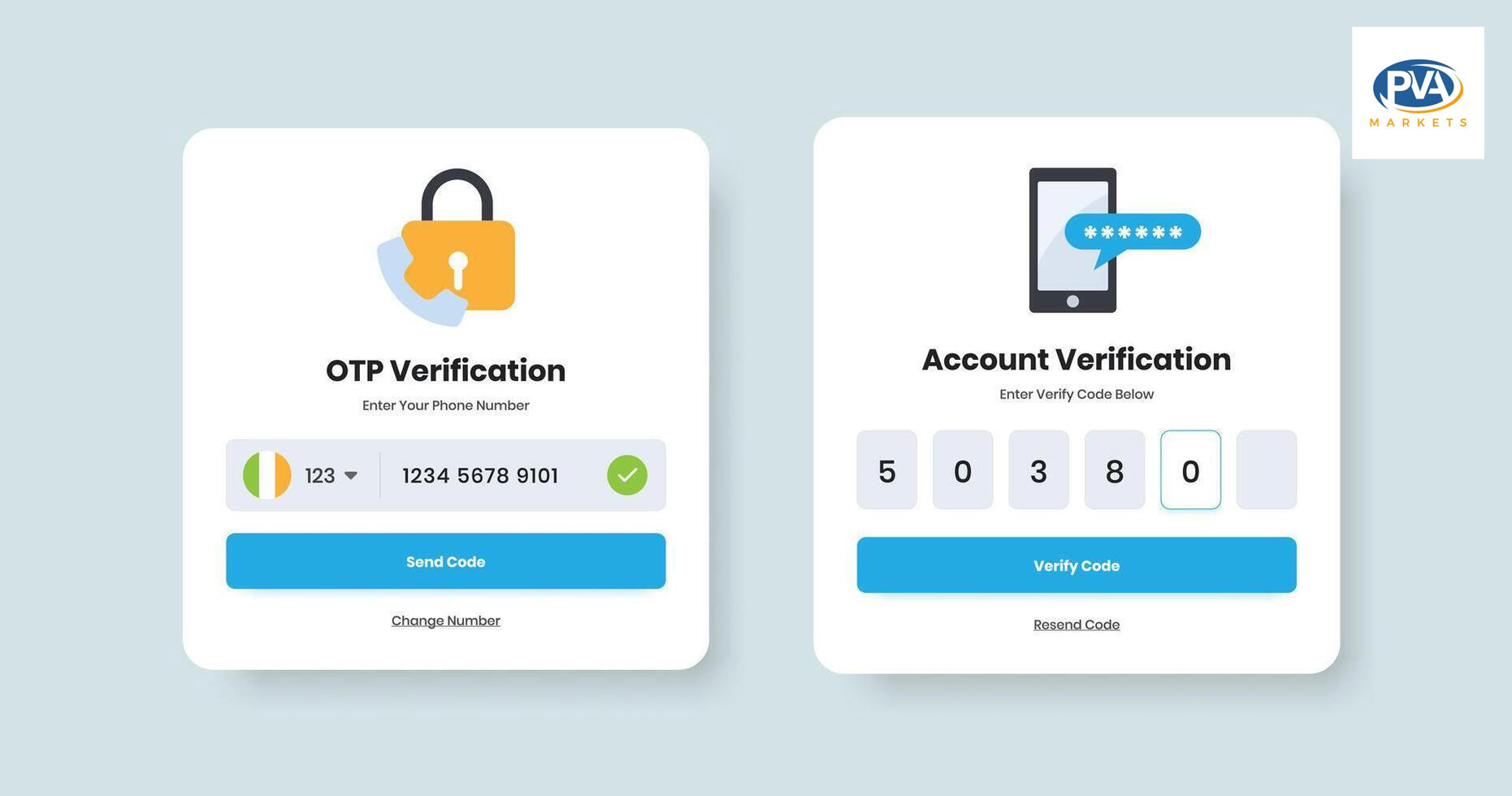
Why Does an Account Ask for SMS Verification After Login?
You enter the username. You enter the correct password. The account opens for a second, then the platform stops you with a message asking for SMS verification.
This is a common issue across email accounts, social media accounts, ad accounts, marketplace accounts, and many other online platforms. It can happen even when the account was already verified before.
The nutshell answer is this: if an account asks for SMS verification after login, its simply because the platform wants to still make sure that the login is safe and not a malicious attempt and likely belongs to real user.
That does not necessarily mean the account has been banned, hacked or is low quality. Usually, this means the platform recognized a login attempt outside of an account’s usual behavior.The system may see a new device, new IP address, new location, missing cookies, or unusual activity after login.
Take note that this is extremely important for users with old accounts, phone-verified account holders and marketplace accounts from sites like PVAMarkets. The account itself may be okay, but it might still activate a security check depending on how it is logged in.
What SMS Verification After Login Actually Means
SMS verification after login is an extra security step. The platform is asking the user to prove account ownership by entering a code sent to the phone number connected to that account.
This can happen before full access is given. It can also happen after login if the platform allows partial access first, then detects risk.
A phone-verified account can still ask for SMS again. Phone verification during account creation does not guarantee the platform will never ask again. Platforms can re-check ownership anytime they see unusual behavior.
Take, for example, an account that has usually been accessed from one country and one browser and suddenly someone logs in with a new device from another country and from another IP, the system then sees this log-in as potentially suspicious.
From the platform’s side, this looks like a possible account takeover. So the system asks for SMS confirmation.
Why Does This Happen Even When the Password Is Correct?
A correct password is only one part of login security.
Modern platforms do not rely only on passwords anymore. They also check device history, browser data, IP reputation, cookies, location, login speed, and user behavior.
This means a login can be technically correct but still look risky.
For an example as simple as, who logs in to their account with the username and password that are just fine but the login attempt is from a country that has never been used. The browser has no cookies. The device is new. The IP is from a VPN or data center. Then the user immediately changes the password or recovery email.
That is enough to trigger SMS verification on many platforms.
The system is not thinking like a human. It is scoring risk signals. When too many signals look different, the account gets challenged.
The Most Common Triggers Behind SMS Verification
The most common reason is a new device login. If the platform does not recognize the laptop, phone, browser, or app, it may ask for verification.
Another common reason is IP change. Logging in from a VPN, proxy, mobile data connection, or different country can make the account look suspicious. Some platforms are especially strict with IP location changes.
Browser fingerprint mismatch is another major trigger. They observe technical signals — things like browser type, operating system, screen size, timezone, language and installed fonts. The login is challenged if these details do not correspond with previous usage of the account.
Missing cookies can also cause the problem. Cookies help the platform remember a trusted browser. When users clear cookies, use incognito mode, switch browsers, or use a new profile, the platform sees the login as fresh.
Account inactivity is another factor. If an account has not been used for weeks or months, then suddenly becomes active, the platform may request verification.
Fast activity after login can also cause problems. Changing password, recovery email, username, profile photo, payment method, or sending many messages right after login can look unnatural.
So the issue is not always the account. Sometimes the issue is the full login environment.
Does SMS Verification Mean the Account Is Bad?
No, SMS verification does not automatically mean the account is bad.
It means the platform wants another confirmation before allowing normal use. A high-quality account can still face SMS verification if it is logged in from a risky setup.
One major downside to this is that the user will have difficulty passing verification if they cannot access the phone number associated with the account.
This is why buyers should check account details before purchasing. A phone-verified account may mean the account was verified during creation. It does not always mean the buyer will receive the original phone number or future SMS access.
That detail matters.
For example, if someone buys an account only because it says “PVA,” they may assume SMS will never be required again. That assumption is wrong. Platforms can request re-verification at any time.
Why New IPs and Proxies Create More Verification Issues
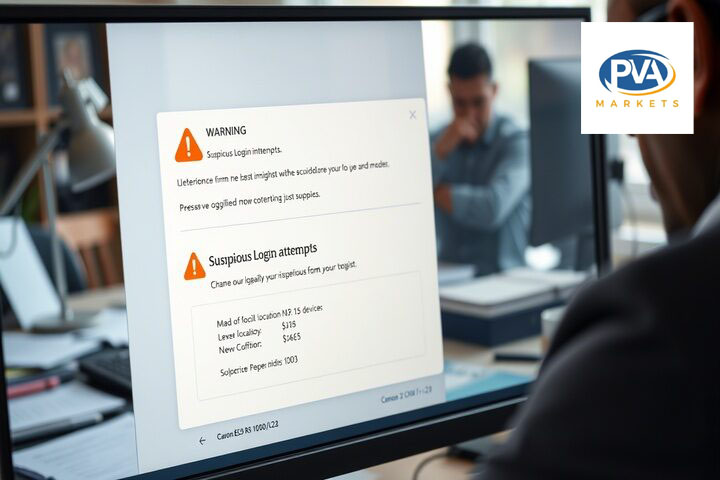
IP quality has a direct impact on account trust.
A clean residential IP or stable mobile IP usually looks more natural than a low-quality data center proxy. Public VPNs, shared proxies and inexpensive rotating IPs have a terrible reputation since users misuse nationwide often.
In case multiple accounts are accessed via the same proxy, or that specific proxy is flagged as spammy, used for automation, scraping or fake engagement, then that IP may already be considered risky by the platform.
The user can even be prompted for SMS verification — before doing anything wrong.
Best practice is very simple, just keep a stable IP and do not move locations so frequently. Only if it was created due to a post from some region, try keeping the login env close to that region!
Consistency matters more than speed.
How to Reduce SMS Verification After Login
To reduce SMS verification issues, make the account login look normal.
Use the same browser profile after the first successful login. Do not keep switching between Chrome, Firefox, incognito mode, and different devices.
Keep cookies. Do not clear browser data unless necessary. Cookies help the platform recognize the login as trusted.
Use a stable IP address. Avoid rotating proxies for accounts that need long-term use. If you must use a proxy, use one with clean reputation and consistent location.
Do not make major changes immediately after login. Avoid changing password, recovery email, phone number, username, and profile details all at once.
Warm up the account slowly. Browse normally, complete basic profile activity, and let the platform build trust before using the account heavily.
Do not connect automation tools too early. Many accounts get flagged because users log in, connect a tool, and start bulk actions within minutes.
This is especially important for social media accounts, ad accounts, and email accounts.
What Should You Check Before Buying an Account?
Before buying an account, check what type of verification is included.
Ask whether the account is phone verified. Ask whether recovery email access is included. Ask if the phone number is included or only used during creation. Ask whether the account has cookies, profile history, activity, or warm-up.
Also check replacement rules. If the account asks for SMS immediately after delivery, the seller’s policy matters.
PVAMarkets is useful in this situation because buyers can compare account types and choose based on use case instead of buying blindly. A Reddit account, Gmail account, Facebook account, Linkedin account, and ad account do not carry the same risk level. Each platform has different verification behavior.
The right account depends on what you plan to do with it.
For simple browsing or light use, one type of account may be enough. For outreach, ads, posting, or business activity, you may need aged accounts, better recovery access, cleaner login setup, and slower warm-up.
What Should You Do If SMS Verification Appears?
Do not keep retrying randomly.
Repeated failed attempts can increase the account’s risk score. First, check whether you have access to the connected phone number. If you do, complete the SMS verification normally.
If you don’t have the number, see if email recovery, backup codes, or another verification option is possible.
Do not immediately switch IPs multiple times. That can make the situation worse. Use one stable setup and avoid aggressive actions.
If the account was recently purchased, review the seller’s replacement or support policy. The issue may depend on whether SMS access was included in the account details.
Final Answer
An account asks for SMS verification after login because the platform detected a security risk or wants to confirm ownership. The most common causes are new device login, new IP address, VPN or proxy use, missing cookies, browser fingerprint changes, account inactivity, and fast activity after login.
It does not always mean the account is bad. But it does mean the platform is not fully trusting the login yet.
The best way to avoid this problem is to keep the login environment stable, use clean IPs, keep cookies, avoid fast changes, and understand what is included before buying an account.
For PVAMarkets users, the main lesson is clear: do not judge an account only by the word “verified.” Check recovery access, phone access, account age, warm-up status, and replacement terms. That gives a much more realistic picture of how safe and usable the account is.